
Turingpaper AI Studio
Build AI based workflows and tools, and share them in the AI chat apps you already use — without code deployments or complexity.
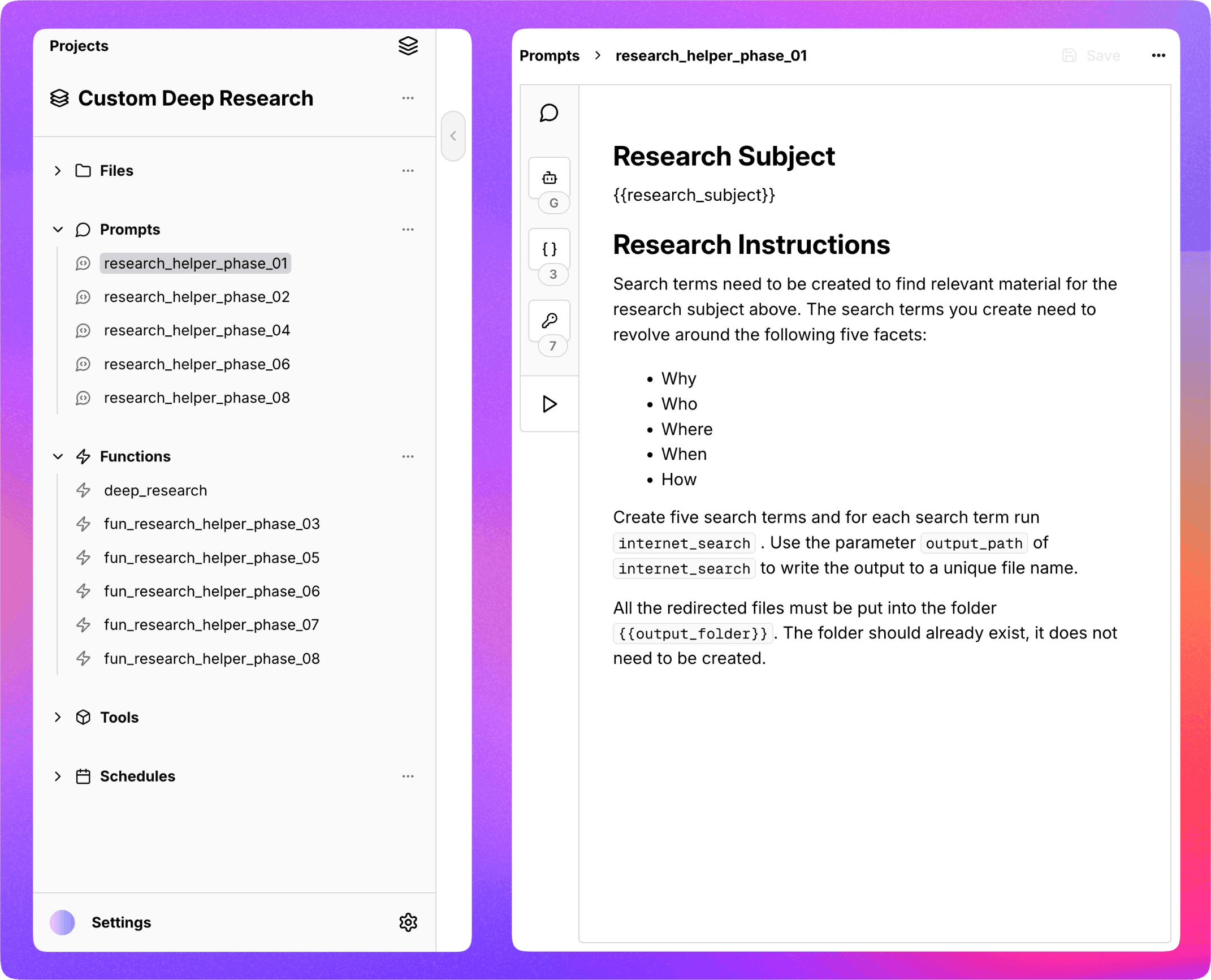
AI Chat Apps Are the New Platform
ChatGPT, Claude, Cursor, Windsurf represent a new platform used daily by hundreds of millions —
including your teammates and customers.
including your teammates and customers.
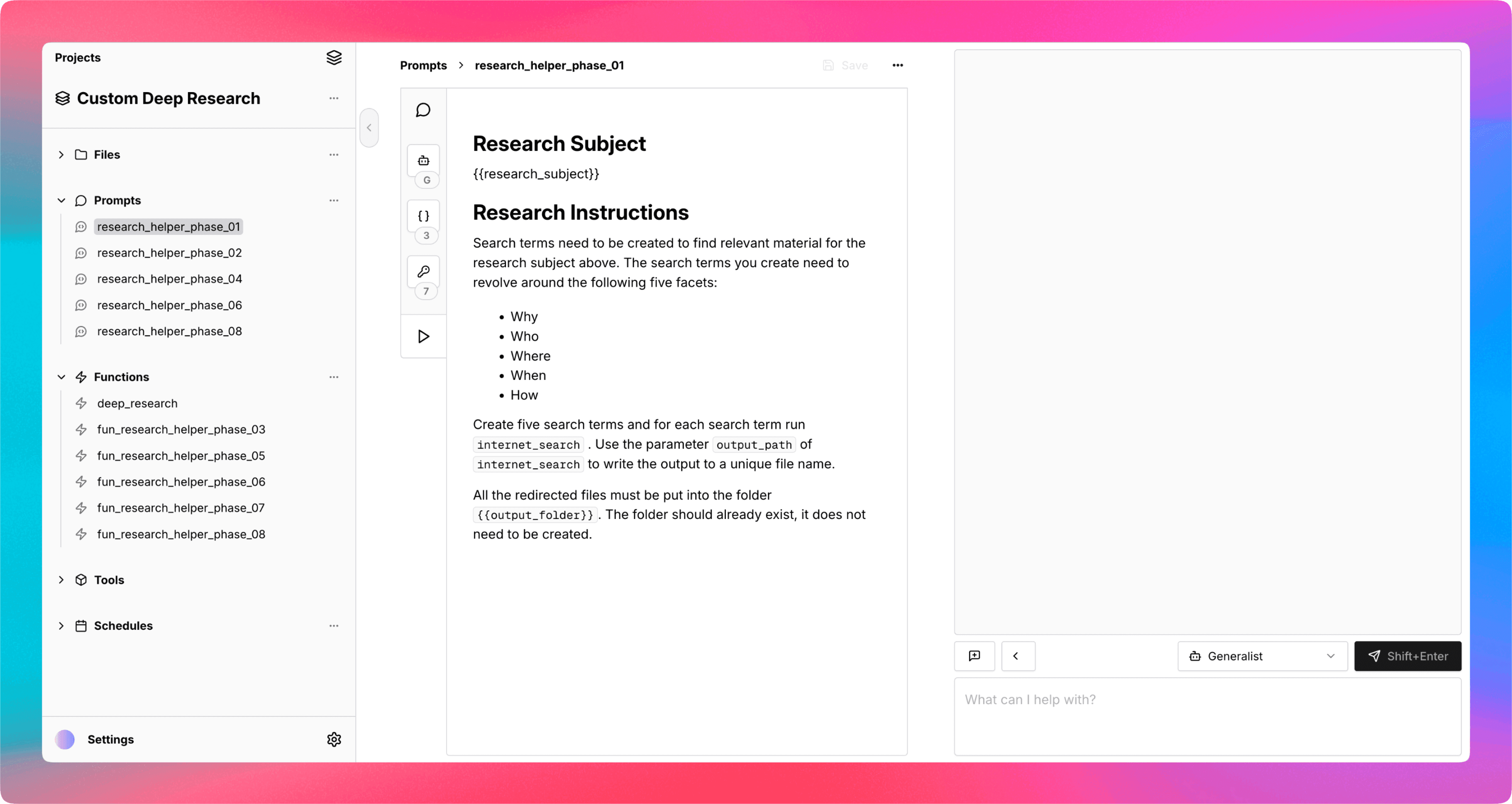
With Turingpaper you can build tools and workflows to use in AI chat apps, no code deployments or infrastructure required. Instead of spending days on custom apps, anyone — makers, consultants, or teams — can create and share AI-powered solutions in hours not days.
Instant Sharing
Enable connecting to your Turingpaper project with a single click, and use your custom tools, prompts and files from ChatGPT, Claude, Cursor, Windsurf, and any other AI app that supports the Model Context Protocol.
Skip the Complexity
Avoid the hassle of SDKs, configuration files, and managing infrastructure. Turingpaper lets you build for AI chat apps without touching code or worrying about the Model Context Protocol.
Build with Natural Language
If you can explain a process with words, you're ready to create tools and workflows with Turingpaper —
just bring your domain knowledge.
just bring your domain knowledge.
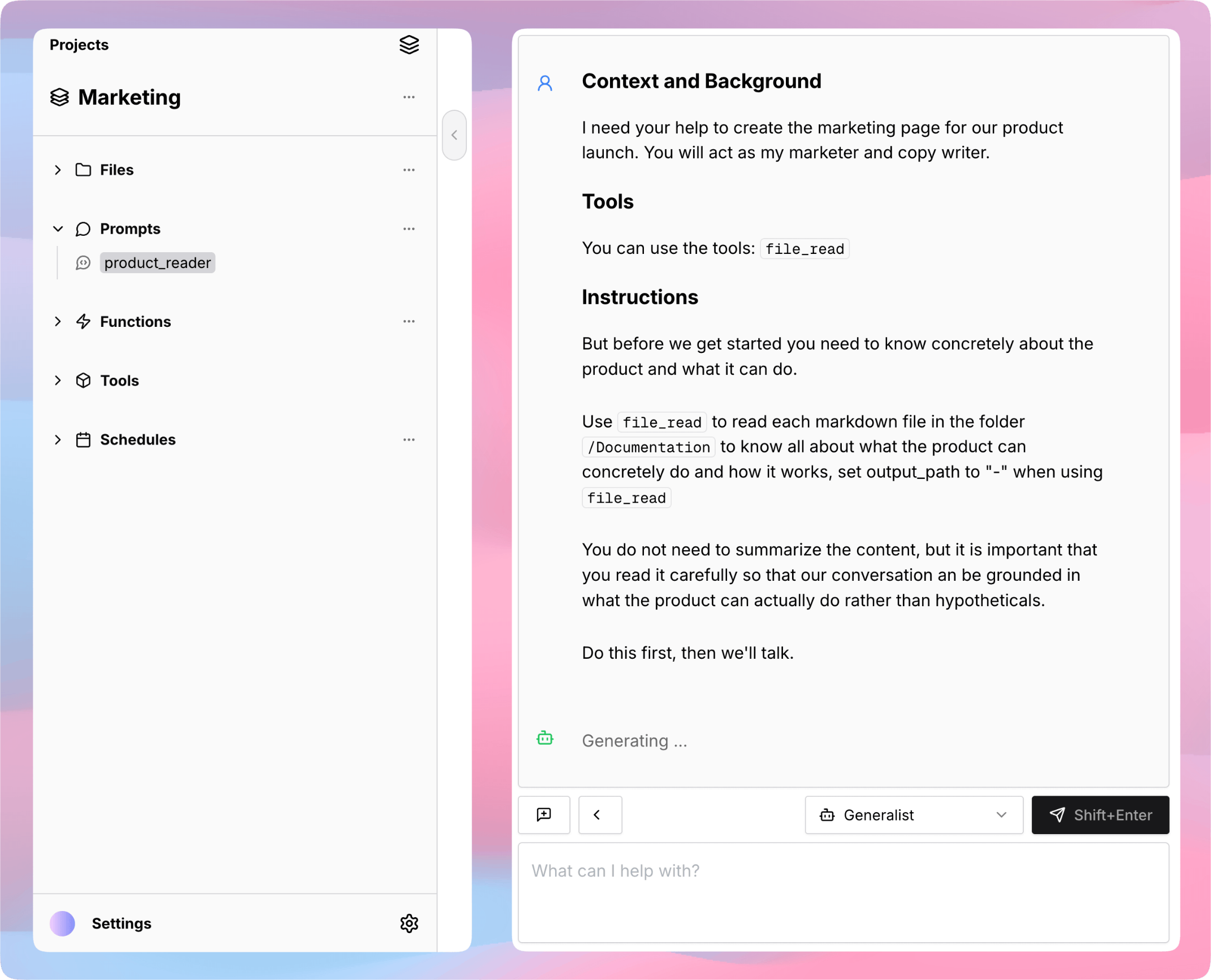
Explore
Experiment and design your ideal workflow, all within an interactive chat. Instantly prototype ideas by describing them in plain language — no technical setup required. Iterate freely, test results as you go, and discover what works best
Perfect
When you're ready, transform your workflow into a set of composable tools — each handling a specific step or task. Turingpaper makes it easy to organize your process into building blocks that work together, so you can automate complex jobs with no code. Customize, combine, and reuse these tools to match your needs and keep improving your solutions over time.
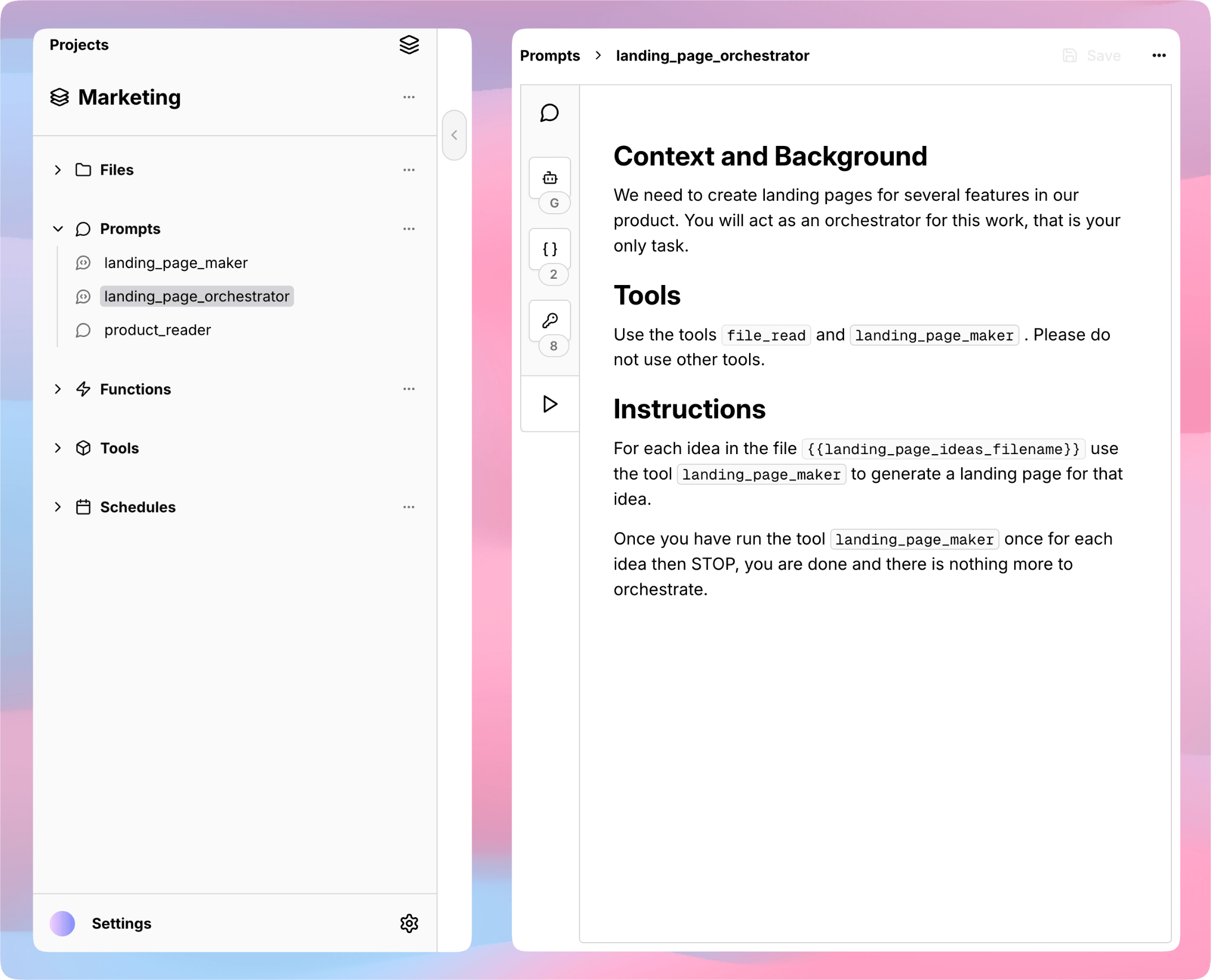
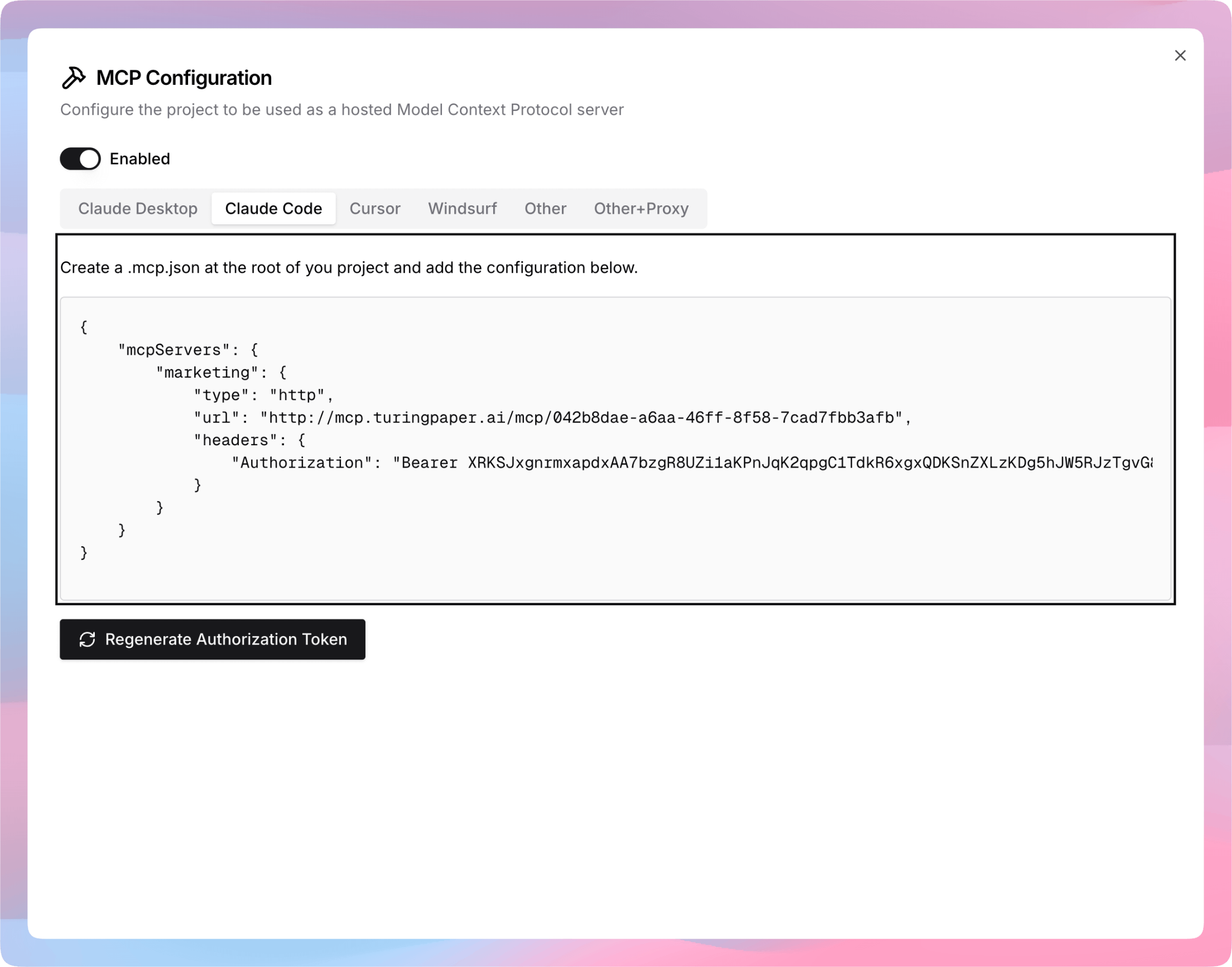
Connect
Simply connect to your Turingpaper project from AI chat apps like ChatGPT, Claude, Cursor, and more. Once connected, the tools and workflows you've built are available right inside the app — ready for you, your team, or your customers to use as part of any conversation.
Prebuilt Tools to Get You Started Quickly
Ready to use for Audio, Database, Documents, Image, Internet, Text, and more.
Audio
Uploaded audio files (flac, mp3, mp4, m4a, ogg, wav, webm) are automatically transcribed — use file tools to access SRT-format text from any recording for search, analysis, or automation.
Database
Connect to your Postgres or BigQuery databases, inspect schemas, run queries, or retrieve structured data — configure securely and automate analytics or reporting with your preferred connection.
Documents
Upload PDFs, Word documents, or PowerPoints and get their contents as automatically extracted Markdown — ready to read, process, or automate without manual conversion.
Image
Generate new images from prompts, edit or combine existing images, and leverage models like OpenAI gpt-image-1 or Google Imagen 3 — all accessible within your automation workflows.
Internet
Search the web, fetch content, extract links, or pull information directly from URLs — use Internet tools to keep automations up to date with online sources and data.
Text
Manipulate, read, update, and transform any text file using flexible file tools — combine searching, editing, and content extraction in your automation logic or workflows.
Your Data is Yours
Turingpaper does not train on your data, and uses models from OpenAI API which do not train on your data.